 AGES 4–17
LEARNING AT MYEKIDS
AGES 4–17
LEARNING AT MYEKIDS
TWO LEVELS. A WORLD OF POSSIBILITY.
Coding for Kids
Turn imagination into interactive stories, playful animations and your very first game.
৳6,000 / level↗
A first line of code. A wonderful “what if?”. Give their curiosity a place to become something extraordinary.
Find a learning path ↓ · Try a challenge ↓ · Explore every feature ↓ · Learner stories ↓
Turn a little imagination into a game, a story, a creation.Follow a question into the wonderful world of Python & AI.Think it. Build it. Bring a clever little invention to life.
Room to imagine. Skills to create. A learning path that grows with their curiosity.
Explore all programmes
AGES 4–17
LEARNING AT MYEKIDS
Turn imagination into interactive stories, playful animations and your very first game.
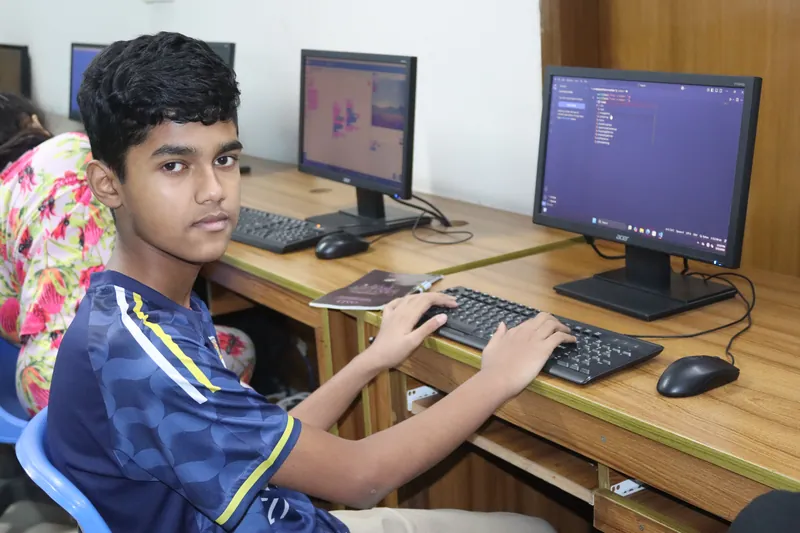 AGES 7–17
LEARNING AT MYEKIDS
AGES 7–17
LEARNING AT MYEKIDS
From a first line of Python to thoughtful experiments with data and AI.
The questions. The concentration. That smile when it finally works. Take a little look inside our world of learning.
Watch our storyChoose their age to explore suitable programmes. Interests and experience help our team shape the next step.
Turn imagination into interactive stories, playful animations and your very first game.
Ages 4–17Explore this path ↗From a first line of Python to thoughtful experiments with data and AI.
Ages 7–17Explore this path ↗Build with your hands, think like an inventor and bring a little robot to life.
Ages 7–17Explore this path ↗Our team can help find a suitable starting point. Ask us below.
Suggested starting points, not a fixed sequence. Each child learns at their own pace.
The robot starts on the left. Which instruction reaches the star? Try an answer and watch what happens.
Your first algorithm starts with one choice.
Explore illustrative project ideas. Actual learner work stays private unless the family gives publication permission.
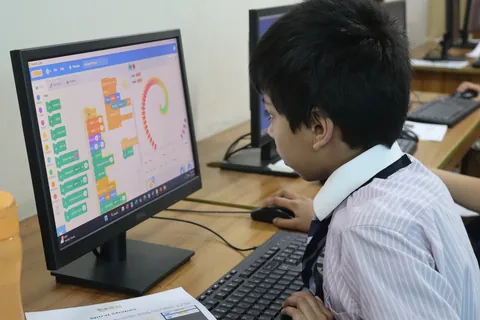 A game of my own+
Make a character move, collect stars and count a score. Learn events, loops and creative problem solving.
Discover creative coding ↗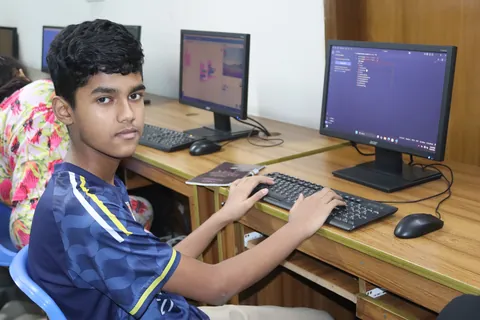 A clever little quiz+
Build a quiz that checks answers and responds. Explore Python conditions, data and responsible AI ideas.
Explore Python & AI ↗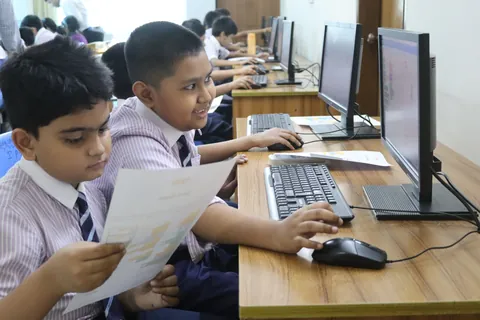 A robot with a mission+
Plan a route, test instructions and improve the design. Connect code with movement and hands-on teamwork.
Explore robotics ↗Request a trial and tell us about your learner. Our team will contact you to discuss availability and confirm the details.
Privacy & consent policy ↗Submitting a request does not confirm a booking or require payment.
Scroll through six chapters: belonging, discovering, creating, growing, choosing and staying connected.
All features at a glance ↓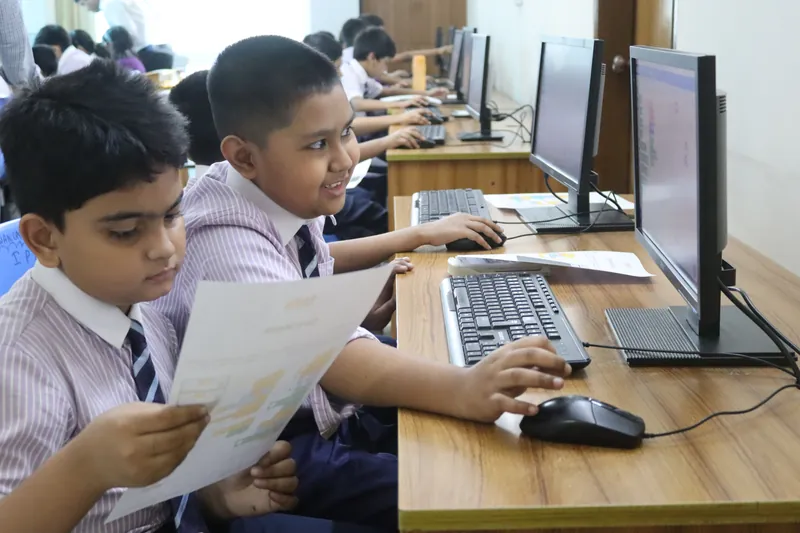
Start with a family account. Give each child their own profile, and invite a guardian with the permissions your family chooses.
Explore the family hub ↗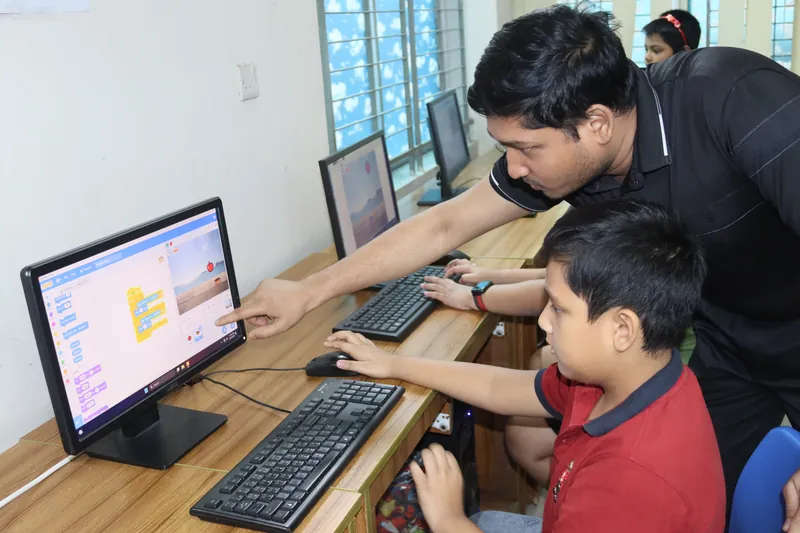
Match age, interests and goals with a learning pathway. Turn that first spark into a family plan with goals, milestones and regular reviews.
Discover goals & plans ↗
Explore Coding, Python & AI or Robotics. Lessons, quizzes and assignments help children practise, then collect their creations in a private portfolio.
Meet the programmes ↗
Teachers and mentors review projects and offer feedback. Attendance, progress reports, quiz history and evidence-based badges help families see the journey.
Meet the teaching team ↗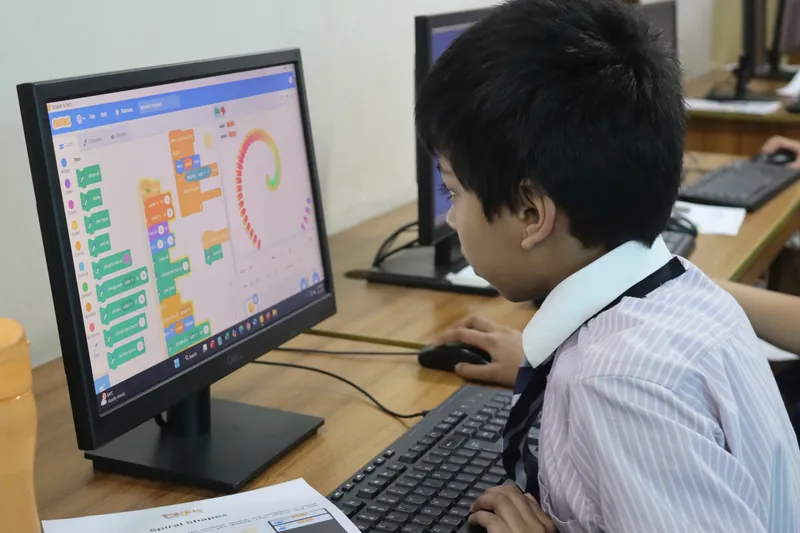
Control child access, guardian consent and age-appropriate assent. Manage privacy preferences, export your family data and request a reviewed correction or deletion.
Explore privacy & choices ↗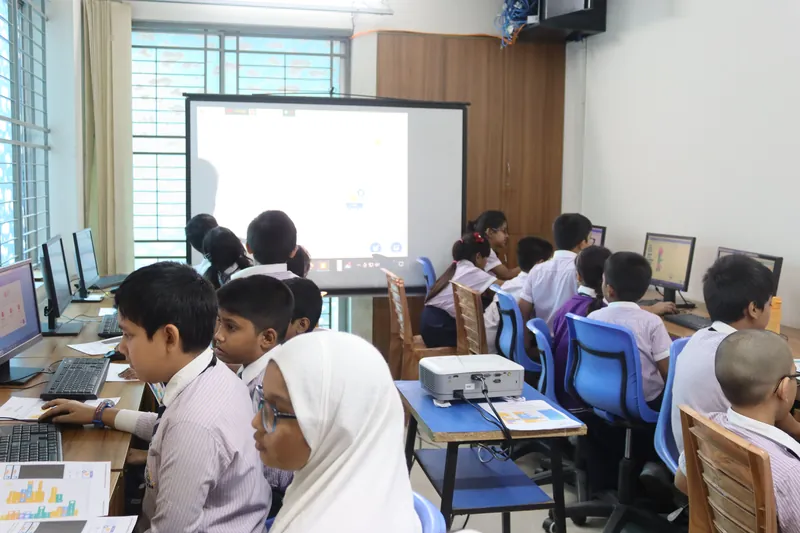
Manage enrollment and order records, explore school or daycare applications, and reach support. Assigned staff workspaces keep teaching, care and administration connected.
Explore centre services ↗Explore any part of the journey. Family features require sign-in; staff tools are available to assigned roles.
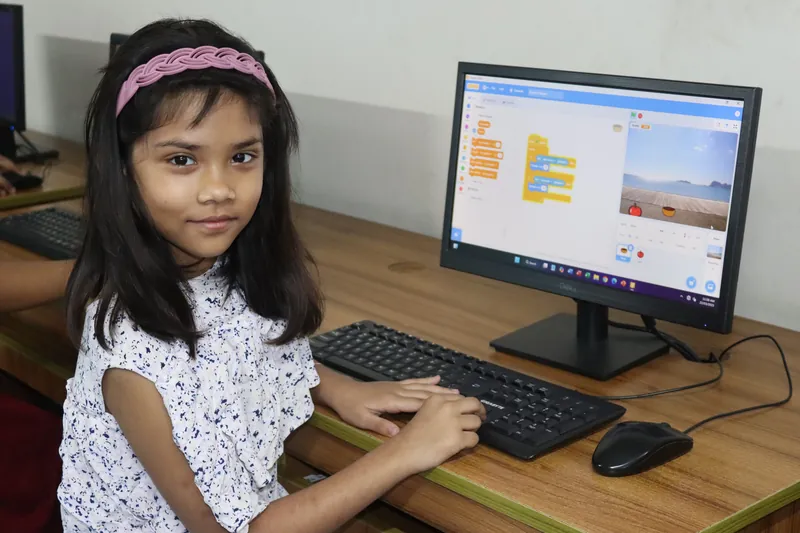
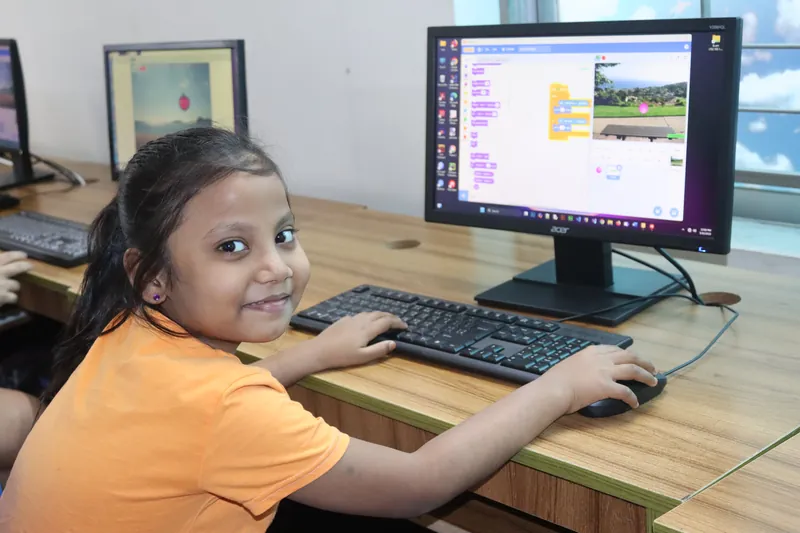
Photos show classroom moments, not private family account data. Payment availability depends on gateway configuration; privacy requests are reviewed.
Choose your world. Open a feature to see how MyeKids brings learning, family and care together.
Manage each child from one family workspace.
Explore this feature ↗
Invite another guardian and choose their access.
Explore this feature ↗
Keep age, learning level, interests and goals together.
Explore this feature ↗
Find a direction based on interests and goals.
Explore this feature ↗
Set goals, review progress and celebrate milestones.
Explore this feature ↗
View enrollment and payment records in your dashboard.
Explore this feature ↗
Make separate choices about learning and media.
Explore this feature ↗
Manage preferences and request reviewed corrections or deletion.
Explore this feature ↗
Manage a child login and account verification.
Explore this feature ↗
Read private learning and service updates, and choose notification preferences.
Explore this feature ↗
Explore three programmes with two learning levels.
Explore this feature ↗
Learn a concept, try an activity and reflect.
Explore this feature ↗
Check understanding and see earlier attempts.
Explore this feature ↗
Share your explanation, reflection and project file.
Explore this feature ↗
Keep creations together with helpful feedback.
Explore this feature ↗
See learning checks and achievements.
Explore this feature ↗
Find scheduled classes and export the calendar.
Explore this feature ↗
Follow your plan and express age-appropriate choices.
Explore this feature ↗
Explore step-by-step challenges, get feedback and save your progress inside lessons.
Explore this feature ↗
See the batches and learners assigned to you.
Explore this feature ↗
Track participation for your assigned classes.
Explore this feature ↗
Schedule sessions and update class details.
Explore this feature ↗
Review creations and give a useful next step.
Explore this feature ↗
Review lesson checks, quiz attempts and evidence.
Explore this feature ↗
Support assigned learners with goals and milestones.
Explore this feature ↗
Build weighted rubrics and assess project evidence with independent moderation.
Explore this feature ↗
Apply for a placement and follow its status.
Explore this feature ↗
Authorized staff manage admissions and groups.
Explore this feature ↗
Keep authorized collection contacts and visit records.
Explore this feature ↗
Assigned staff record care notes and assessments.
Explore this feature ↗
Ask for help and follow the response.
Explore this feature ↗
Send concerns to the authorized safeguarding team.
Explore this feature ↗
Ask website questions and find relevant links.
Explore this feature ↗
Leave a request for the team to contact you.
Explore this feature ↗
Separate workspaces for teaching, care, finance and other staff.
Explore this feature ↗
Review relationships and verification requests.
Explore this feature ↗
Manage course content, resources and teaching batches.
Explore this feature ↗
Publish website content and manage learner stories.
Explore this feature ↗
Follow trial and callback enquiries in administration.
Explore this feature ↗
Review financial records; checkout needs gateway configuration.
Explore this feature ↗
Process family requests through authorized review.
Explore this feature ↗
Trace recorded actions and route work to assigned roles.
Explore this feature ↗
Assign restricted cases, record actions and review assessment moderation.
Explore this feature ↗
Family and learner tools require sign-in. Staff tools show only authorized records. School and daycare details appear after a placement is created.
A glimpse of what a learning journey can feel like. These illustrative stories use fictional names and quotes with classroom photos.
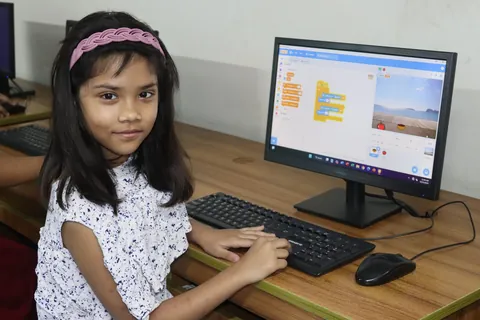
I used to just play games. Now I can make a character move and tell my own little story!
Coding for Kids
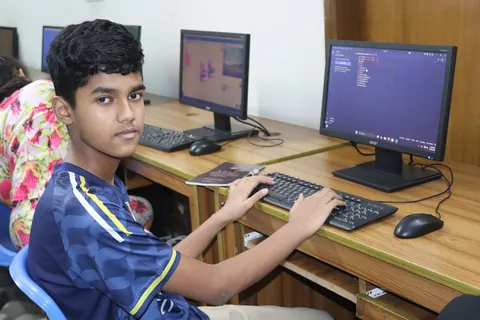
My first Python experiment felt like a puzzle. Trying again helped me understand how it works.
Python & AI for Kids
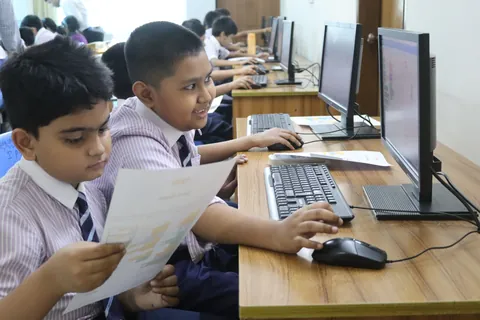
When our robot finally moved, I wanted to show everyone. My next idea is already in my notebook!
Robotics
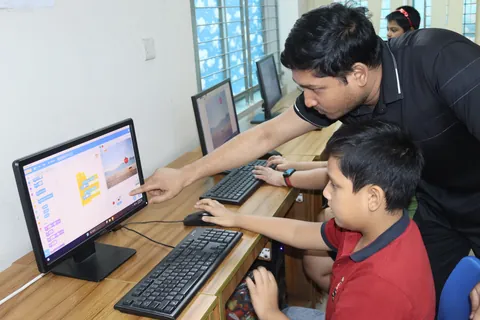
My teacher helped me find one tiny bug. Fixing it myself made me feel like a real inventor.
Creative coding
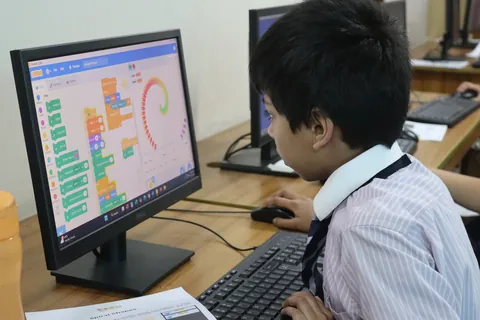
I like keeping my projects together. Looking at my first one shows me how much I have learned.
Learning journey
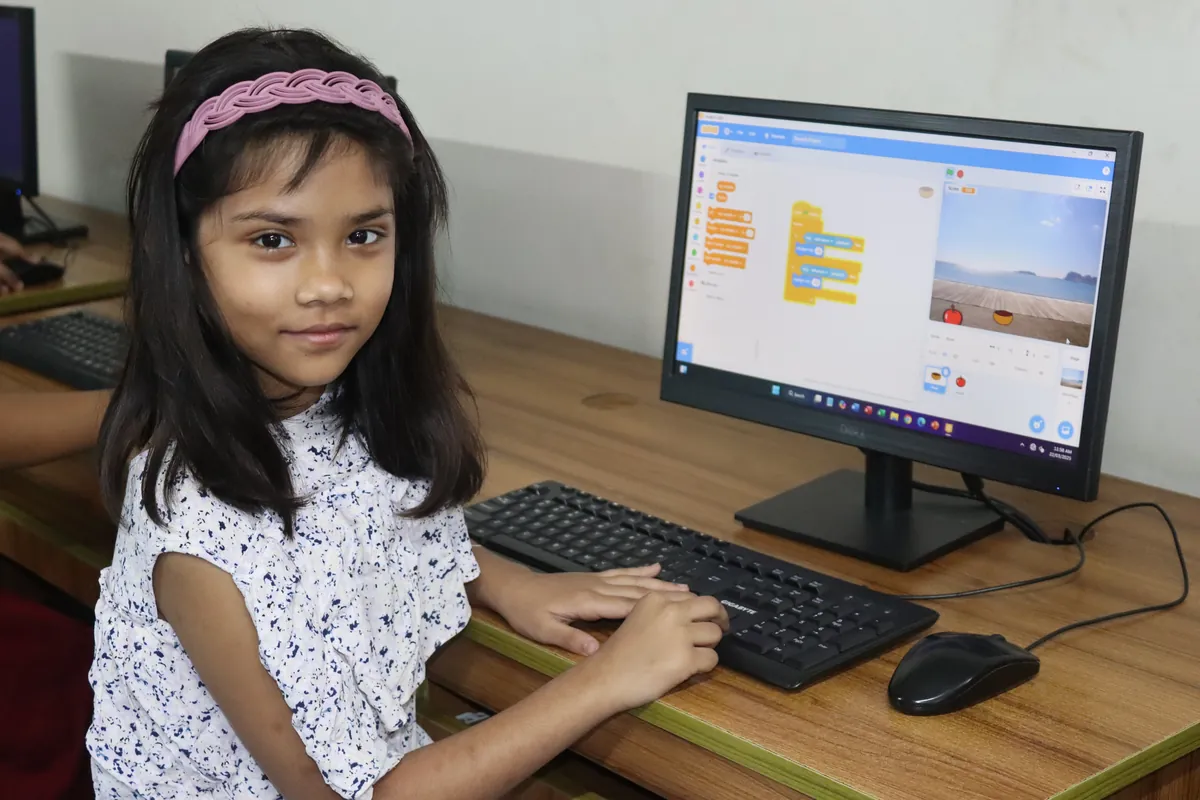
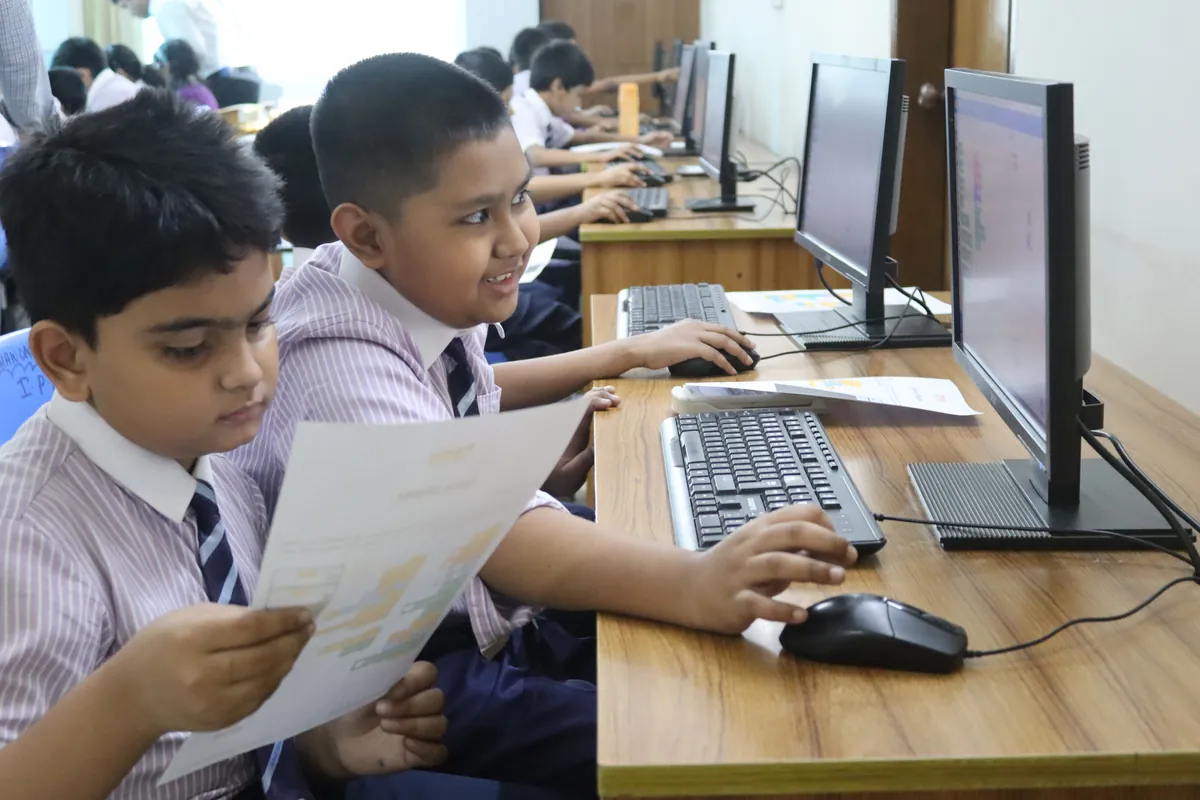
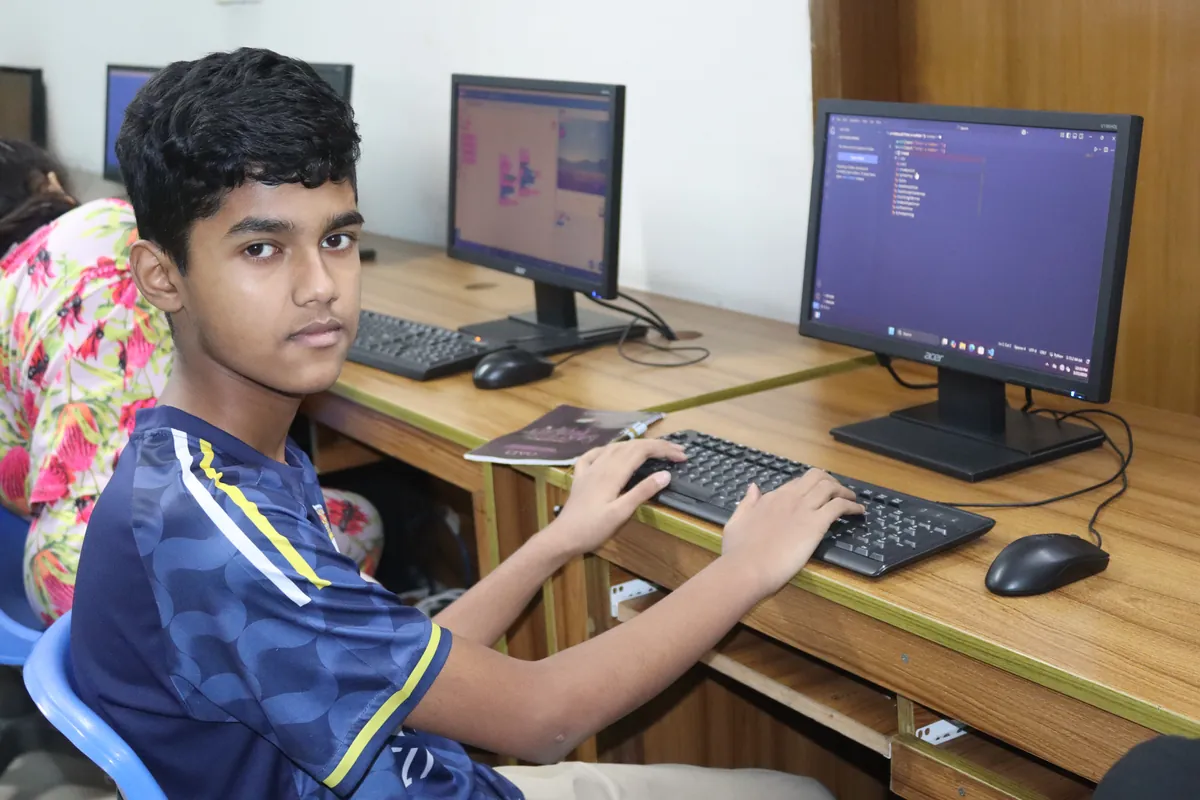
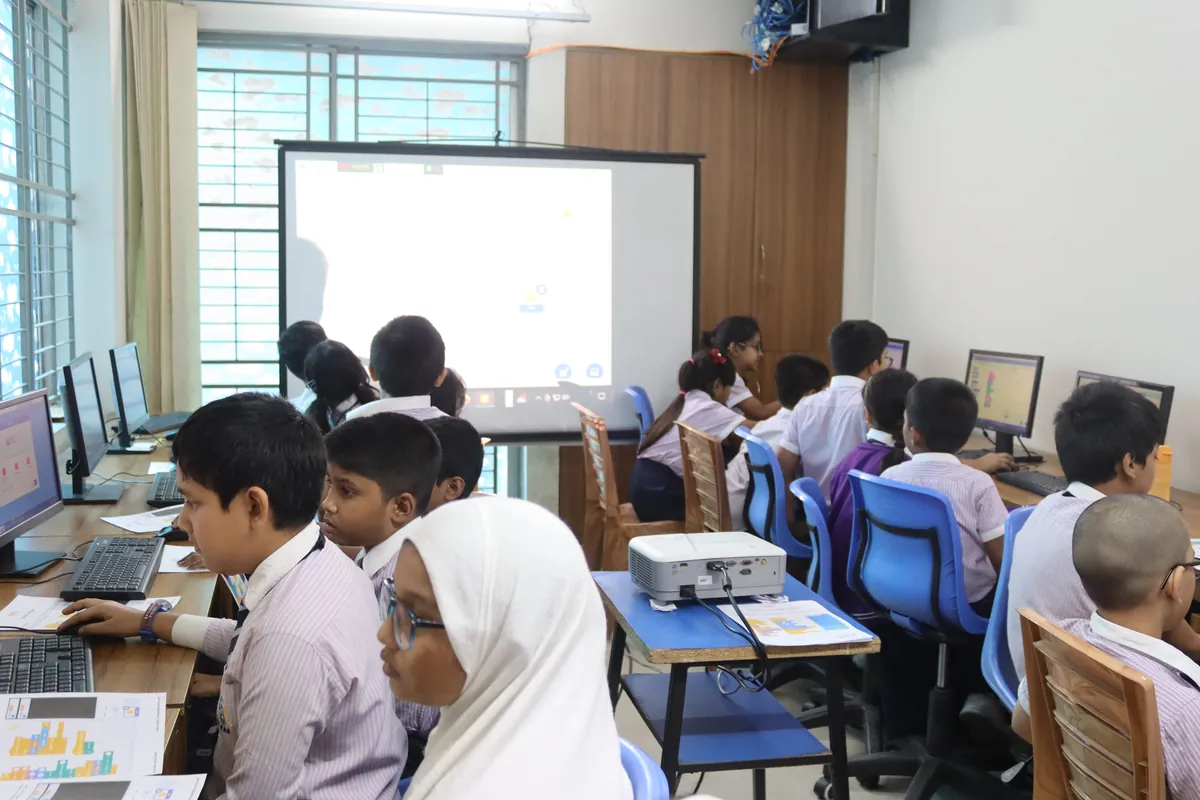
A few everyday moments from our classrooms. Full of focus, friendship and the joy of figuring things out.
Thoughtful learning for children. A clear view of the journey for you.
Projects, reflections and teacher feedback tell a richer story than a score.
Explore the family guide ↗Learner portfolios stay with the family and their assigned teaching team.
Our approach to safety ↗Hands-on activities, natural stopping points and space for a little fresh thinking.
Talk to our team ↗Level 1 starts with the basics. Ask our team which starting point suits your child.
Both options are available as separate batches. Choose the mode that fits your family.
The displayed fee and three-month duration apply to each level separately. There is no admission fee in the initial offer.
Portfolios are private to the family and assigned teaching team. Public sharing is disabled in this release.
I’m your MyeKids guide. Take a little tour, or ask me a question.
Please do not share passwords or private child details in chat. Use the callback form for contact information.